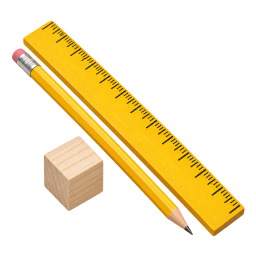
Measuring Academy
Read a ruler the way a builder does: whole inches, half and quarter inches, then centimeters — and measure up to build.
IncludedToolSmart Kids turns a workshop into a game. Children learn what tools are called and what they do, read a real ruler, bolt parts together, see how machines move — then solve fix-it missions with a friendly guide.
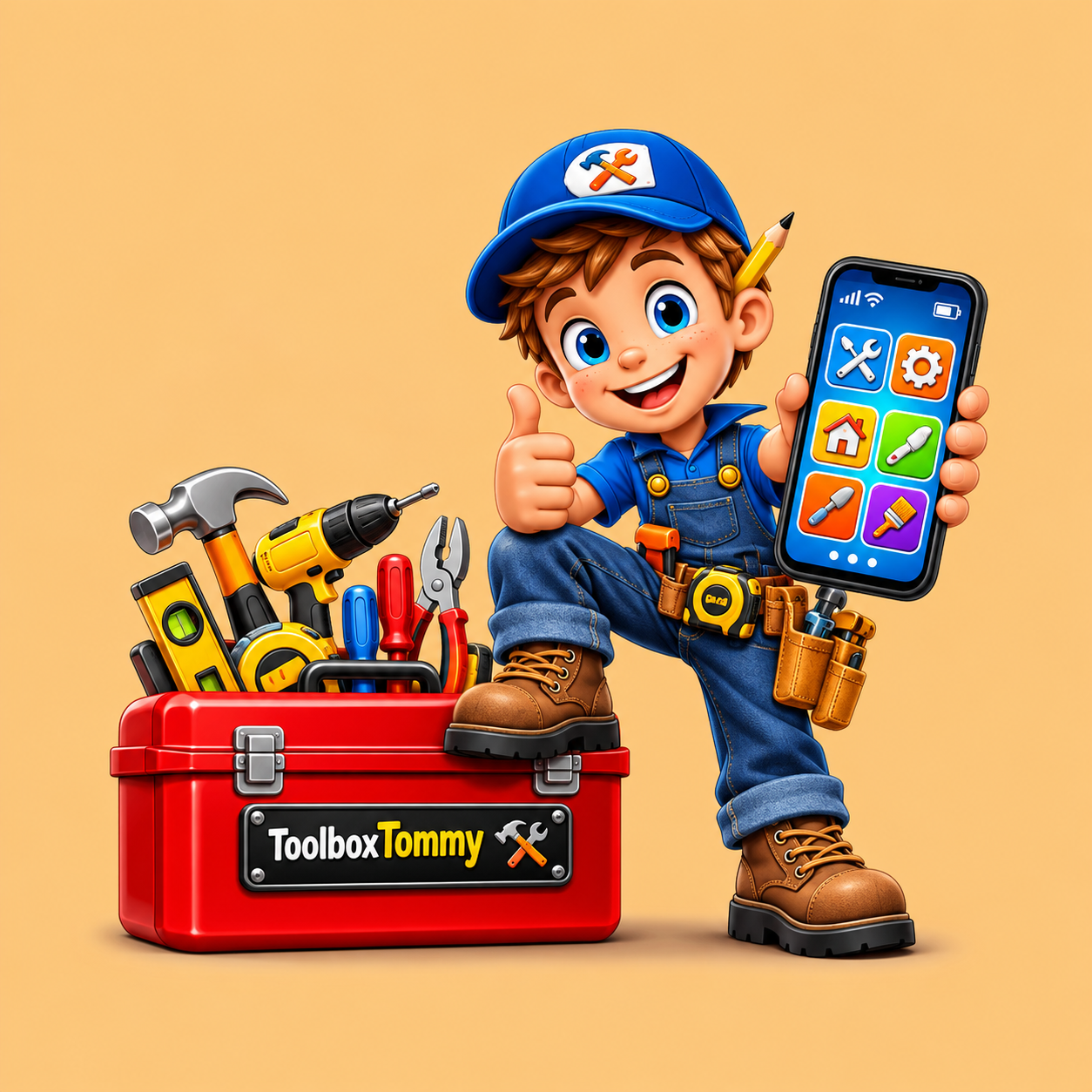
Each academy teaches a real skill with a short lesson, then hands the child a challenge worth solving. Artwork below is from inside the app.
Read a ruler the way a builder does: whole inches, half and quarter inches, then centimeters — and measure up to build.
Included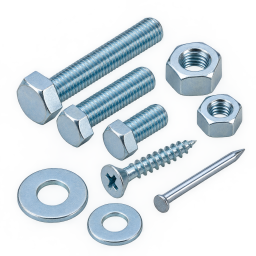
Screws, bolts, nuts and washers. Children turn, thread, match and assemble, learning why each fastener exists.
Included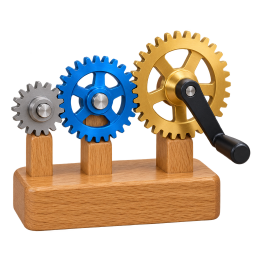
Gears, pulleys, levers, wheels and axles, ramps. Children build the machine, then watch the motion they caused.
Included
Find the hidden tool, listen to the clue, match the tool to the job. Deduction, not guessing.
Included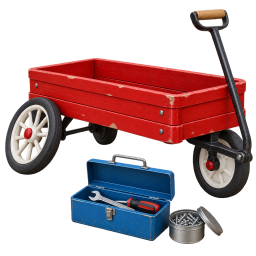
Tommy hands over a job: fix the toy wagon. Pick the tools, order the steps, tighten the axle, test the drive.
Included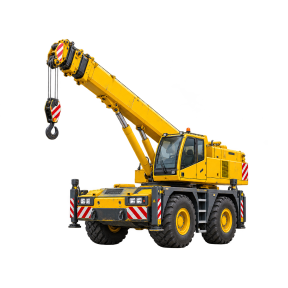
Dig, lift, load and roll across five site jobs, then build a whole neighborhood one machine at a time.
Expansion
Five garage jobs: car body, tyres and tread, the engine bay, dashboard warning lights, then the drive belt.
Expansion
Circuits, magnets and motors, built from real-looking parts: light a bulb, sort by magnet, spin a motor.
Expansion
Tommy is the helper who walks children through ToolSmart Kids. He explains what a tool is for in plain words, drops a hint when a challenge gets stuck, and never just hands over the answer. He also teaches the habits that matter the moment a real tool is in reach.
Short lessons, clear goals and no open chat with strangers — so a child can play while a grown-up gets on with something else.
Measuring, fasteners, simple machines and cause-and-effect fit neatly into a hands-on science block, and every activity can be replayed.
One payment, no add-ons pushed at the child, big tap targets and progress that saves by itself. Nothing to set up beyond an account.
Instead of tapping through a cartoon, they tighten a bolt, line up a ruler and hear a gear train answer back. Effort shows up as XP and levels.
These are the exact amounts checkout charges. Expansion packs are optional — buy only the ones your child asks for.
Lifetime access on your account. No subscription, no ads, nothing renews.
Add a pack during setup or later from inside the app. Every pack unlocks permanently on the same account.
Roughly 5 to 12. Younger children enjoy the measuring and matching activities with a grown-up nearby; older children work through the fastener, machine and fix-it challenges on their own.
No. The main app is $3.99 paid once and used forever. Expansion packs are separate one-time purchases and nothing renews.
No — everything happens on screen. The app teaches tool names, uses and safety awareness. Children should always be supervised by an adult when using real tools.
Yes. Sign in on a phone, tablet or laptop and the same account picks up where the child left off.
Self-contained academies: Junior Mechanic Garage, Construction Crew Adventure, Junior Inventor STEM Lab and the Master Builder Bundle. They add new levels to an account that already owns the main app.
Yes — the free demo lets you look around and try real activities without an account, and it does not save progress.
Real tool names, real measuring, real problem solving — the kind of screen time that ends with “look what I worked out”.